Service Topology
Auto-discovered service dependency graph from eBPF TCP peer data. Zero configuration, zero sidecars.
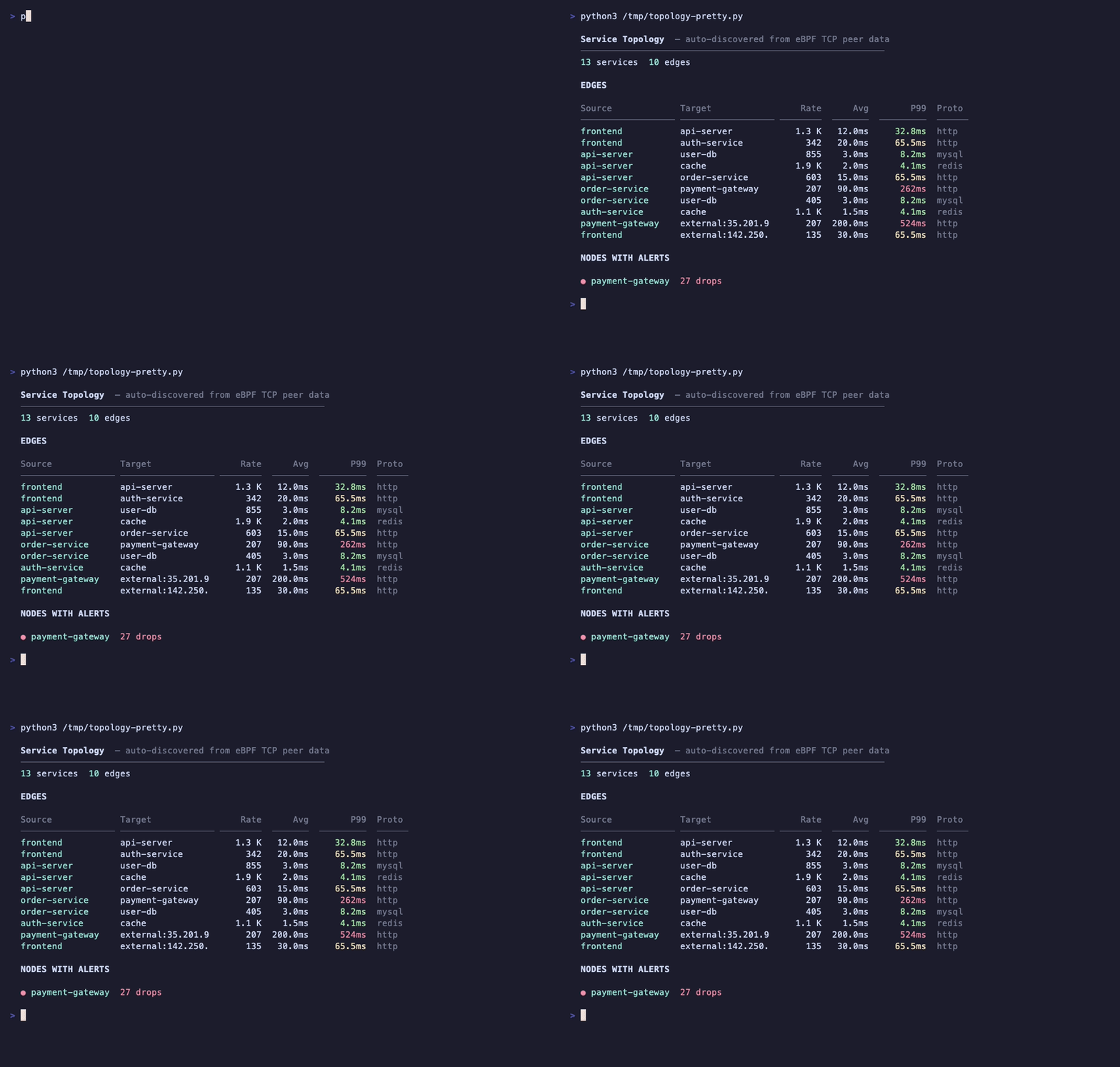
How It Works
The topology map groups TCP connections by service, building a directed graph of service-to-service communication with rich metadata:
Edge metrics:
- Request count per edge
- Average latency from TCP RTT (sum/count)
- P99 latency from log2 RTT histogram (27-slot, microsecond precision)
- Protocol inference from well-known ports and L7 detection (HTTP, Redis, MySQL, PostgreSQL, Kafka, MongoDB)
Node metrics:
- Request rate (sum of connected edge traffic)
- Protocol mix (arc fields for Grafana pie chart arcs)
- TCP drops per service (from tcpdrop BPF program, cgroup-based)
API
kubectl -n kpod-metrics port-forward ds/kpod-metrics 9090:9090
curl http://localhost:9090/actuator/kpodTopology | python3 -m json.tool
The API returns a Grafana Node Graph-compatible JSON with nodes and edges arrays.
Grafana Visualization
The topology is visualized as a Node Graph panel in Grafana. It requires the Infinity data source plugin to fetch the JSON API.
The included Grafana dashboard has a dedicated topology row with the Node Graph panel pre-configured.
Configuration
topology:
  enabled: true        # Enable topology collection (default)
  windowSize: 10       # Aggregation window in collection cycles
  maxExternalNodes: 20  # Max external (non-pod) nodes to show
  demoData: false       # Inject sample data for testing
Demo Mode
Enable demo data to test the topology visualization without real traffic:
This injects a sample service graph with realistic latency and protocol data.